Skip to Specification Partner content

Starlet Specification Partners

A clearer path from product interest to a supportable specification.

Built for independent representative agencies, professional lighting designers, architects, and specification teams evaluating Starlet indoor architectural modular LED lighting.

  • Indoor product scope
  • AP1 and RP1 platforms
  • 2700K–5000K 5-CCT selection on documented engines
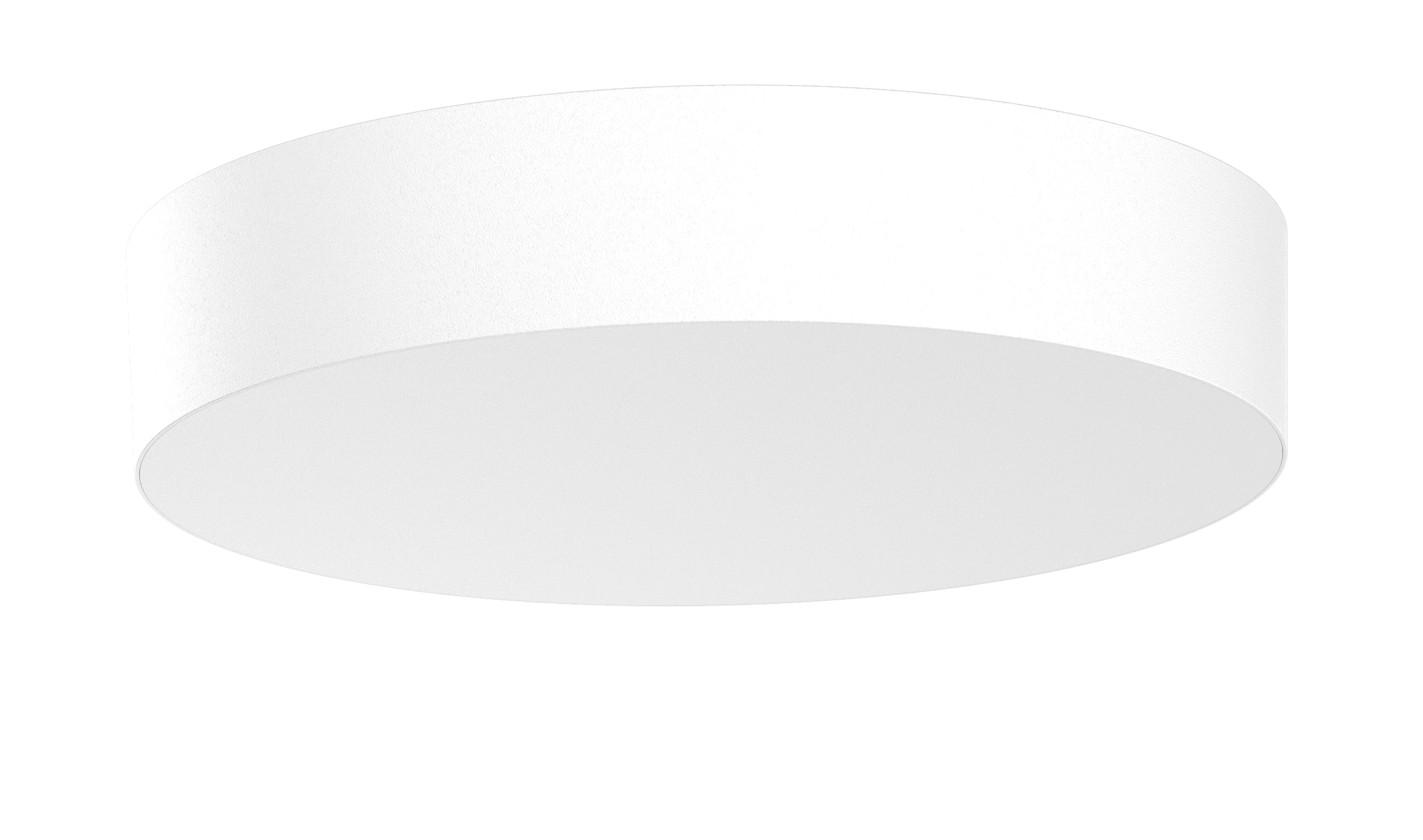
Starlet AP1 frameless round light engine
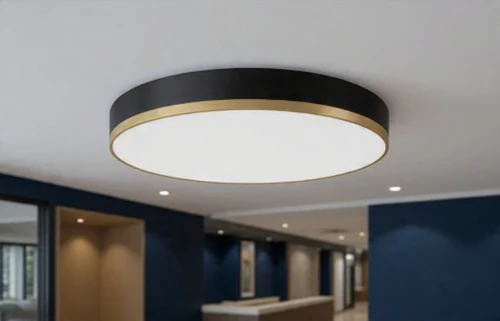
Starlet DRACO black-gold architectural surface trim

Modular by designLight engine and compatible architectural trim are evaluated as a coordinated system.

Role-specific support

Start with the professional relationship you are building.

Each path reaches the same controlled request system while preserving the audience, campaign, placement, and project context needed for useful follow-up.

Manufacturer Representative Agencies

Open a fit, territory, education, or active-project conversation without implying appointment or exclusivity.

  • Agency and line-card fit review
  • Territory evaluation request
  • Product education and presentation request
Explore Rep-Agency Partnership

Professional Lighting Designers

Request controlled product review, samples, photometric support, or specification consultation for a defined need.

  • Sample and finish review request
  • Photometric-support request
  • Specification consultation
Request Design Support

Architects and Specification Teams

Begin a basis-of-design, active-project, educational, or quotation conversation with requirements captured up front.

  • Basis-of-design review request
  • Active-project registration
  • Educational presentation request
Start a Specification Review

A modular system with controlled claims

Evaluate the engine, trim, documentation, and application together.

The supplied Rev A4 catalog documents AP1 and RP1 indoor light-engine platforms and compatible architectural trims. Final selections still require exact-model, size, finish, project-condition, and document-revision review.

Explore the Starlet catalog
  1. 1
    Choose a platform

    Begin with AP1 or RP1 and the documented engine size.

  2. 2
    Coordinate the aesthetic

    Review compatible trim family, finish, size, and mounting intent.

  3. 3
    Verify the record

    Confirm the exact SKU, technical document revision, and project requirements.

  4. 4
    Request the next action

    Ask for a sample, presentation, project review, photometric support, or quotation.

Controlled technical-resource status

Know what is in the supplied release before you specify.

These states describe the installed release package; they are not blanket performance, listing, availability, or rebate claims. Confirm the exact model and current document revision before final use.

Verified

Product specification sheets

AP1 and RP1 PDF specification sheets are included in the supplied theme package.

Available but requires review

Exact-model documentation and photometric support path

Use the request form to identify the exact SKU and project need. A request path does not represent that every technical file exists for every model.

Verified request path

Samples, presentations, and project registration

The form records these requests for review. Submission does not guarantee sample availability, scheduling, appointment, territory, or project acceptance.

Not available

Public IES, BIM, and CAD downloads

No IES, BIM, or CAD files were supplied in this release package. The page does not imply that they exist.

Not available

TM-30, LM-79, lumen-maintenance, and rebate files

No public files proving these items were supplied in this release. No rebate eligibility is represented.

A useful handoff

From professional context to an accountable request record.

  1. 01

    Identify your role

    Choose the precise professional audience; legacy designer data remains separate.

  2. 02

    Define the need

    Select the relationship, technical, educational, project, or quotation path.

  3. 03

    Share useful context

    Provide project and firm information and an authorized supporting file if useful.

  4. 04

    Receive a reference

    The secure request system creates a traceable record for administrator review.

Begin the right conversation

Request Specification Partner support.

Required fields are marked. Your submission creates a private request record and preserves verified campaign attribution when present.

No automatic appointmentA representative-agency inquiry begins an evaluation; it does not establish a territory or agreement.

No automatic specification claimTechnical and project requests remain subject to exact-model and document review.

Separate communication choicesOptional marketing and text-message consent are not preselected.

Your selected next step is ready. Active-project registration · Restaurant Cafe Bar Lighting Package
I am contacting Starlet as a… *

Submitting this form authorizes contact about this request only. It does not establish a representative agreement, territory, product reservation, specification acceptance, or optional marketing consent. Privacy Notice

Before you submit

Clear boundaries create better professional conversations.

Does a representative-agency request reserve or assign a territory?

No. It begins an administrator-reviewed conversation and does not create an appointment, exclusivity, territory assignment, or agreement.

Does a sample request confirm that a sample is available?

No. The request records the desired product, finish, and project need so availability and next steps can be reviewed.

Can I rely on the page as a complete technical submittal?

No. Use the controlled documents and request exact-model review before a final specification, quotation, approval, or installation decision.

Can I register an active project or request basis-of-design review?

Yes, as a request path. Submission records the project for review but does not guarantee acceptance, protection, availability, or commercial terms.